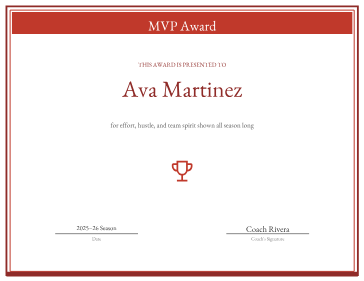
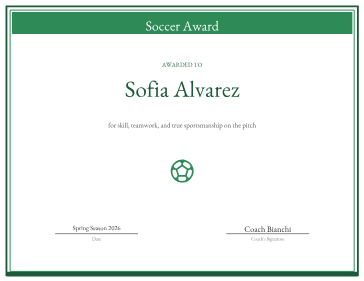
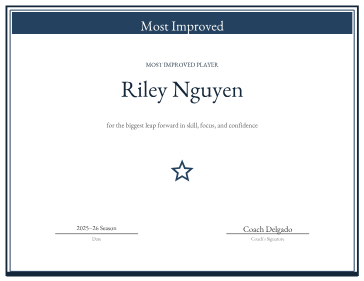
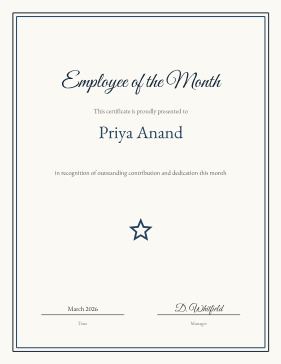
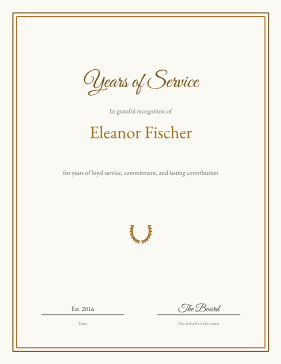
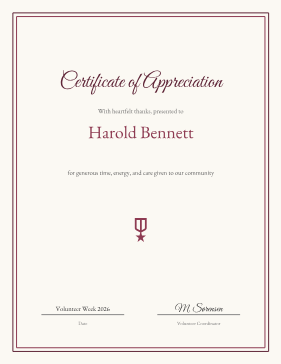
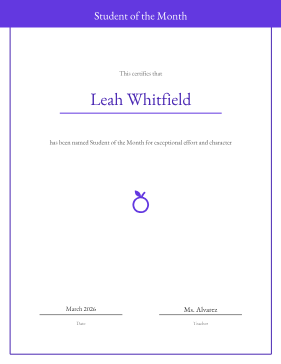
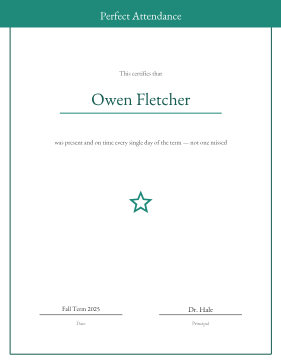
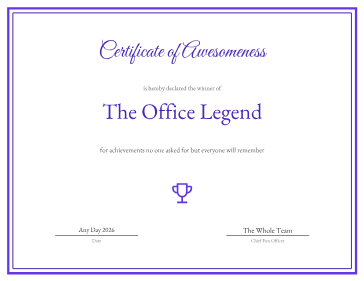
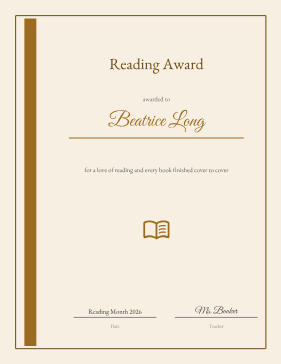
One maker, a design for every occasion
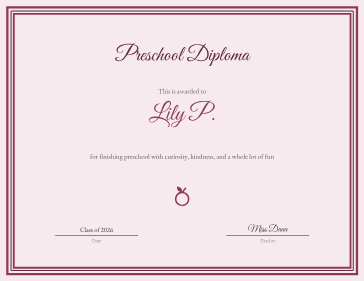
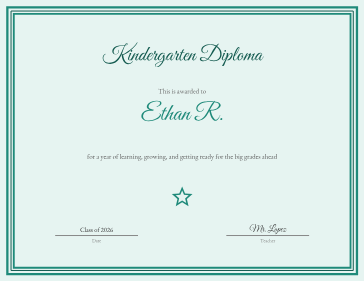
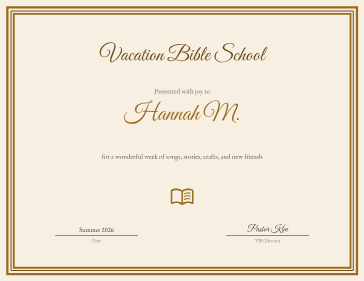
Paste a list of names and get one certificate per person in a single PDF, with the title, date, and signer shared across the batch. Choose a layout from the gallery — a bold award, a formal frame, a school honor, a playful keepsake — then turn three knobs: the accent color, an ornament (a star, trophy, medal, laurel wreath, soccer ball, open book, or apple), and whether the border is on. That is the whole option surface; there is no fiddly free placement to get lost in, and every choice updates the preview as you make it.
A handful of real layouts, yours to make your own
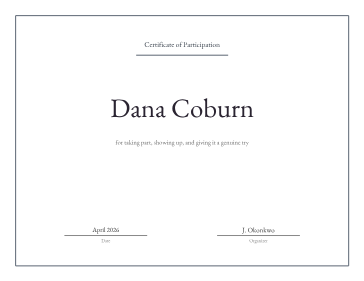
The gallery gives you eight genuinely different layouts — a bold award, a formal frame, a school honor, a playful keepsake, a clean minimal, a festive novelty, and a library bookplate among them — each with its own structure and proportions. From any one of them you set the accent color, the ornament, and whether the border is on, so the same layout can carry a soccer team, a reading club, or an employee award and look made for each. Every field is positioned for that layout’s shape, so your names, title, and date always land where they should.
Free, printable, and private
Free, no signup, no watermark, and a real downloadable PDF — the whole file is built in your browser, so the names you paste never touch a server. Print at 100% on plain paper or cardstock; heavier stock makes any layout feel finished. If you already know the occasion, the ready-made certificates below open a page with everything preset — paste names and print.
Frequently asked questions
How do I change the color or ornament?
Pick a layout in the gallery, then use the Accent swatches and the Ornament buttons below it, and toggle the Border on or off. The preview updates as you change each one, and your pasted names and details stay put.
Can I make a whole batch at once?
Yes. Paste one name per line — a class, a team, a company — and you get that many certificates in a single PDF. Title, date, and signer are shared across the batch, and there is no per-batch cap.
Are the certificates portrait or landscape?
Each design uses the orientation that suits it — landscape for awards, portrait for diplomas and formal certificates. Pick the design that fits your occasion and its layout is already set for the right shape, with every field positioned to match.